
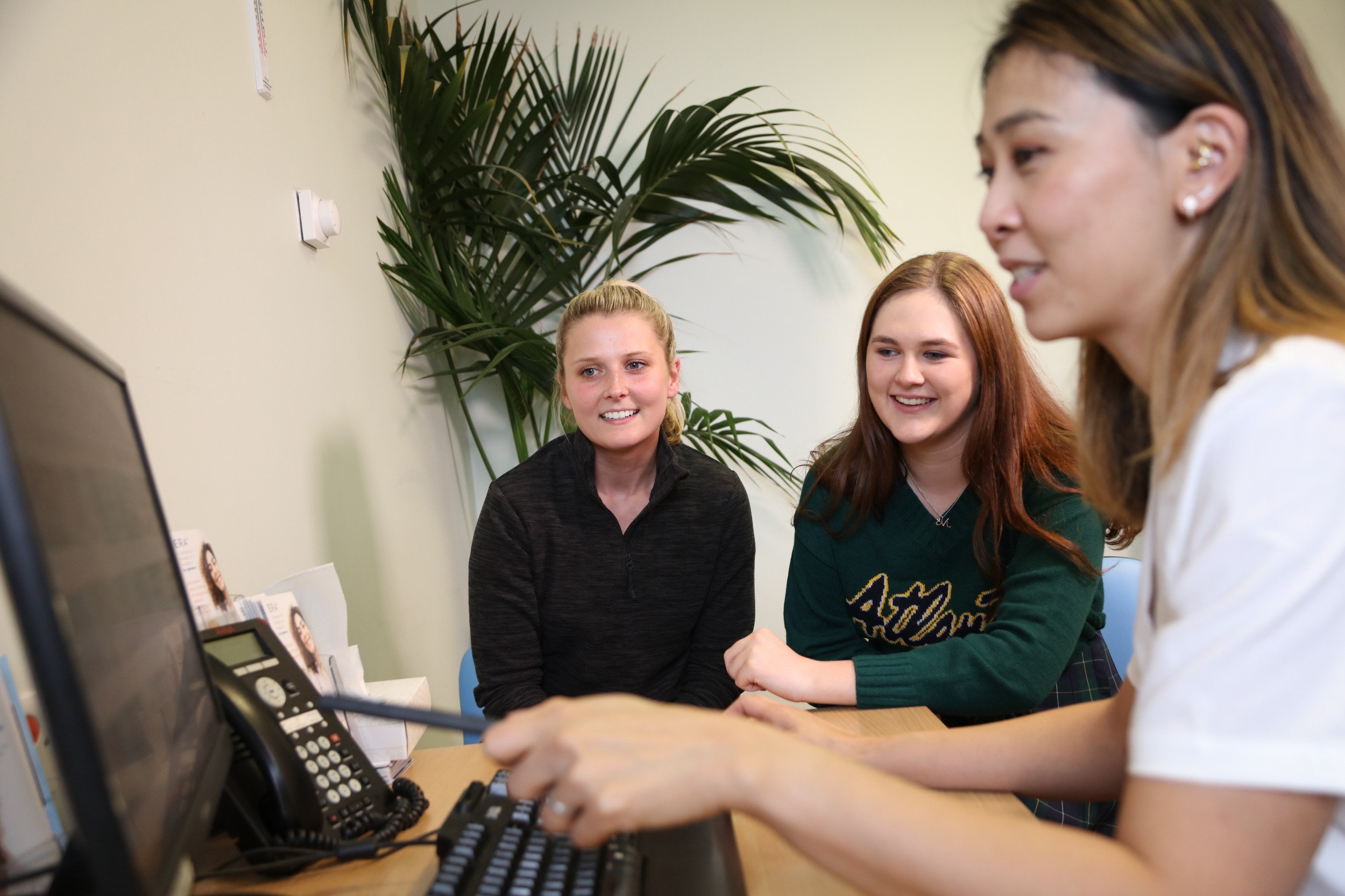
The secure Patient Engagement Portal (PEP) allows you to manage your hospital appointments online via smartphone, tablet, or computer. You can accept, request a rebook, or cancel a hospital appointment quickly and easily, with no need to call the hospital.
This service helps you to receive your hospital appointment letters and messages more quickly and efficiently. When a new appointment is booked, you will get a notification with a link to see your appointment letter. If the link is not opened within 72 hours, a paper copy of the letter will automatically be then sent out in the post.
If you have an appointment for one of the services below you will already have started to see the PEP in operation:
- Anaesthetics
- Dietetics
- Adolescent Gynaecology
- Colposcopy
- Fertility
- General Gynaecology
- Menopause
- Recurrent Miscarriage
- Oncology
- Preop Gynaecology Clinics
- Psychosexual
- Urgent Suspected Cancer (Vulval & Gynae)
- Urogynaecology
- Vulval
- Antenatal
- Perinatal Mental Health
- Pelvic Health Physiotherapy
- Andrology
We are continuing to work hard to add the rest of our other services too.
We will send you a link via a text message or email. Text messages will always be sent from this number 07507 313 433 and emails will always be sent from this address: noreply.
We recommend you save these details into your contact list so you will always know it’s from us.
If you prefer to be contacted only by email, only by text, or to opt out of all digital communications, you can do so by:
- Updating your details in the portal (log in and select your preferences under the “Profile” tab)
- Calling our Patient Access Centre on 0151 702 4328 and requesting an update to your preferences.
Please do remember that if you choose to opt out of all digital communications, you will no longer receive those handy appointment reminders.
The new PEP sends them at seven days and two days before your appointment is due. We recommend you keep just text or email ticked and then you can be sure to get the reminders and not forget your appointment.
You don’t need to make any changes to your devices. If we have your up-to-date contact details, the next time an appointment is booked for you, you will automatically receive:
- A text from this number 07507 313 433 (you cannot reply to this number)
- An email from this address: noreply.
pep .@lwh.nhs.uk
Key details
- Respond promptly: if contacted by text or email, please log in within 24 hours to avoid receiving further notifications and to save paper.
- Accept appointments: upon logging in, please accept and open your appointment letter for important instructions and information, please read the details and also open your appointment letter for more detailed instructions and a patient leaflet where applicable.
- Rescheduling or cancelling appointments: if you need to change or cancel your appointment, please provide at least three working days' notice whenever possible. This allows us to offer the slot to someone else.
- Update contact details: if any of your contact details change, please update them with your GP surgery and inform us as well.
We now offer our paper hospital appointment letters in the following formats:
- Large print: available in four sizes 16, 20, 24, or 28
- Printed on yellow paper: to support neuro diverse patients and visual accessibility
- Printed on yellow paper and in one of the large print sizes above
- Braille: Grade 1 and Grade 2 for patients who need it. This is only available in English.
To choose your preferred format:
- Log in to your Patient Engagement Portal
- Select Profile and the Update your communication needs button
- Choose your preferred format
- Tap Confirm to save your choices.
You can choose to receive your letters in the following six languages: 10 languages: Arabic | Bengali | Czech | Kurdish (Sorani) | Polish | Portuguese | Romanian | Spanish | Tamil | Urdu.
The PEP screens and menu options also change to your chosen language once selected.
To choose your language:
- Log in to your Patient Engagement Portal
- Select Profile
- Choose your preferred language
- Tap Confirm to save your choices.
You can choose your preferred formats or languages in two ways:
- Online: log in to the Patient Engagement Portal, go to the 'Profile' tab
- By phone: call our Patient Access Centre on 0151 702 4328, and we will update your preferences for you (or a family member or friend can call on your behalf). You can call from Monday to Friday, from 8:00 AM to 6:00 PM.
We want to make sure the Portal is accessible to everyone. If British Sign Language (BSL) is your first or preferred language, you can watch our short explainer videos below. They show what the Portal is, how to register, and what you can use it for. Each video includes BSL, voiceover, and subtitles.
Why am I being offered the Patient Engagement Portal?
Liverpool Women's University Hospital is working hard to make your experience with us as smooth as possible, with this service offering quick and easy control of your appointments, as well as consistent reminders. You’re also less likely to miss appointments because of postal delays or errors.
This service also helps us to save costs, such as post and print, meaning more money for our lifesaving services and equipment.
Do I need to create a Patient Engagement Portal account?
No, your account is automatically created if we have your correct mobile number or email address on file. You only need to log in when you receive a notification or if you want to check your appointment details.
Please make sure we have your up-to-date mobile number and/or email address by:
- Calling our Patient Access Centre on 0151 702 4328. You can call from Monday to Friday, from 8:00 AM to 6:00 PM.
- Speaking to one of reception colleagues when you’re next in the hospital
- Updating your details with your GP surgery – we always take our data from the NHS Spine, which is updated by your GP, however, we also need to hear from you directly in order to amend our records too.
How do I get access to the Patient Engagement Portal?
The hospital will send you a link via a text message and/ or an email. Text messages will always be sent from this number 07507 313 433 and emails will always be sent from this email address noreply.
Please then follow the steps below:
- Click the link in the message – this will always be: https://patientportal.lwh.nhs.uk
- Enter your mobile number or email address and date of birth. You can switch between mobile and email using the grey button below the 'Next' button.
- A six digit code will be sent to you
- Enter the six digit code within two minutes. If it expires, you can request another one by clicking on the link underneath the green 'Login' button.
- You are then securely logged in to the Patient Engagement Portal.
Do I have to use the Patient Engagement Portal?
No, you don’t. If you don’t have internet access or prefer not to use the portal, you will still receive paper hospital appointment letters in the post as usual. This ensures all patients can continue managing their appointments in a way that works best for them.


